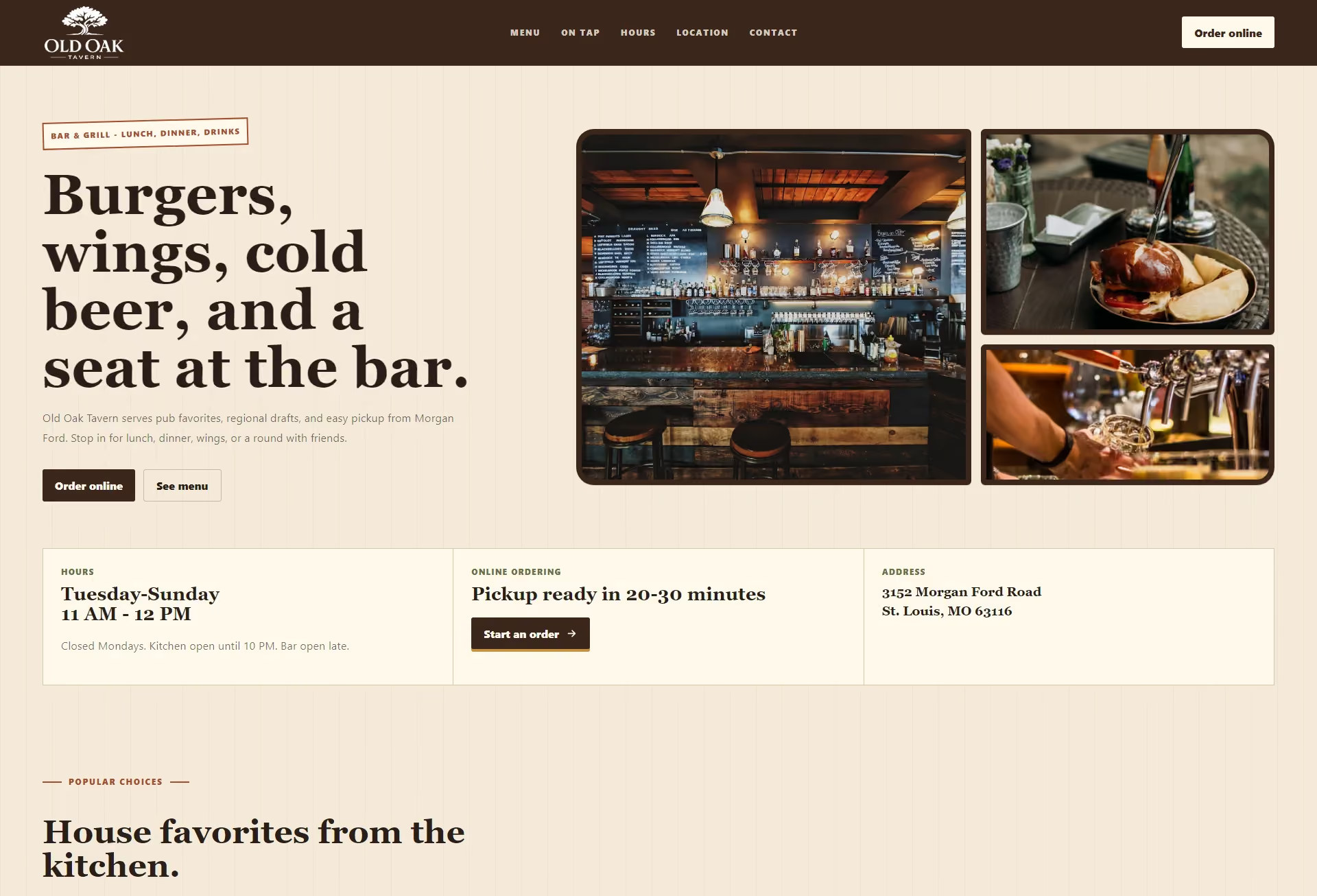
01 / Restaurants
Make it easy to choose dinner.
A hungry visitor needs a menu they can read on their phone. Give them the details to decide whether to order now or come in for a meal.
A menu that opens on a phone
Put the menu link near the top of the page. Show dishes as readable text rather than making a download the only option. Keep special menus separate so a diner can tell when each is available.
The details for a visit
Show today’s opening hours beside the address. Note any changes for holidays. Put directions and the phone number close to the link for reservations or ordering.
A feel for the place
Use photographs of your food and dining room to help someone picture a visit. Give events and private dining their own clear links. Keep the menu within reach while people browse.
Keep up with the kitchen
Update the website when a dish or its price changes. Remove an event once it has passed. Check that your Google Business Profile shows the same hours as the site.
02 / The Work
See the customer’s next step.