01 / Off-season pages
Keep your seasonal website useful while you are closed
A closed business can still help someone plan a visit. Put the season's end where customers first arrive, then explain the next opening and what they can arrange while they wait.
Put the next opening beside the closed notice
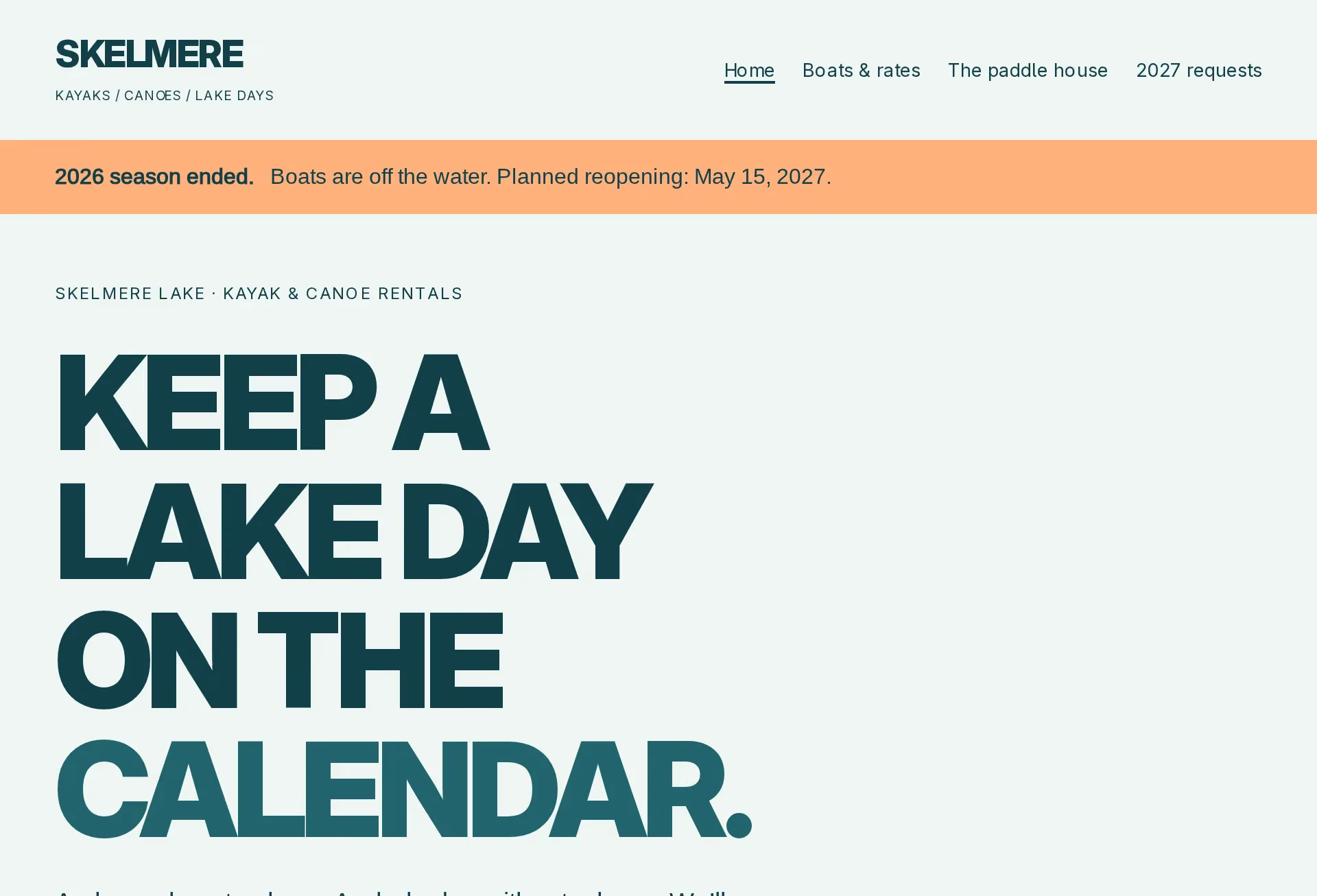
Say plainly that the season has ended. Give the planned reopening date with its year, so someone arriving from an old saved page can place it on the right calendar. Keep the notice on the homepage and the pages where customers choose a service or request a visit.
Explain whether that date is settled or still depends on conditions. If it is undecided, say when you expect to publish another update. Show the next season’s planned days and hours separately from any hours for answering questions now. A boat rental page should leave no doubt that boats are unavailable during the closure.
Label prices for the season they cover
Put the coming season and year above the price list. If rates are still being worked out, say so where the prices would appear. Avoid leaving last season’s figures beside a request for next summer without explaining which prices will apply.
For rentals, keep each boat’s seats, rental length and rate together. Explain what the rate includes, such as paddles, life jackets and a briefing from staff. Show last launch and return times alongside the planned counter hours. Say when any unsettled details will be confirmed so a customer can decide whether to ask now or wait.
Explain what an early request does
Say whether you accept requests while closed and which dates people can ask about. Ask for the service or boat, preferred date, group size and a way to reply. Give only choices that belong to the planned season, with room for someone whose plans are still flexible.
Explain when requests are reviewed and how availability is checked. Keep an inquiry distinct from a confirmed reservation, repeating that distinction after submission. State any payment step and when it happens. For weather-dependent visits, describe who makes cancellation calls, how customers hear about a change and how another date or a refund is arranged under your terms.
Replace the notice when the season opens
Before opening day, check the actual schedule, rates and available services with the people handling visits. Replace the closed notice with current hours once opening is confirmed. Update the request page at the same time, including any choices or messages that still refer to waiting for next season.
Keep weather changes and temporary closures beside the affected dates. Explain where customers should check before setting off and how existing reservations receive updates. Give someone responsibility for removing expired notices. Read the homepage, price list and request page together after the change; each should describe the season customers can book now.
04 / The Work
See the customer’s next step.