01 / Website photos
Choose website photos that show your real work
Give each photograph a question to answer. Show the finished work, the size of an item or the entrance someone should look for. Start with your own pictures and keep the ones that help a customer choose.
Start with the work you can show
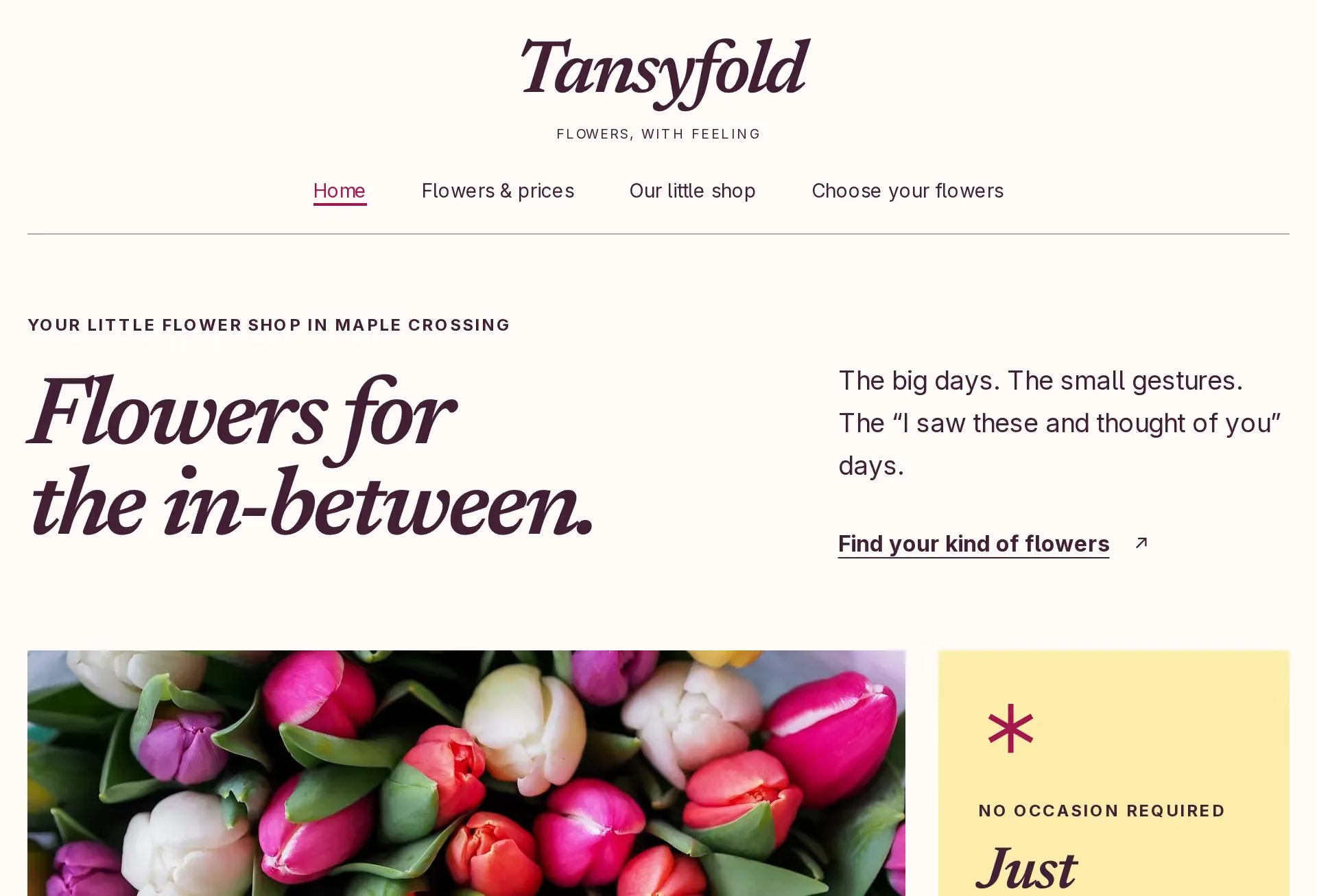
Gather photographs of the things you make, sell or care for. Choose current examples that represent what a customer can ask for today. A florist might show a hand-tied bouquet, an arrangement in a vase and a detail of the flowers used.
Use a clear background and steady light so the work is easy to see. Check that editing has not changed an important color or hidden a detail. Ask before photographing people or a customer’s property for the website. Keep notes about what the picture shows, when it was taken and who has agreed to its use.
Choose pictures for the page they belong to
On the homepage, choose a photograph that helps explain the main offer. On a service or product page, show the work being described. Include enough context to judge size: a bouquet held in a hand answers a different question from a close view of its petals.
Use the visit page to show the entrance a customer should recognize. Keep process photographs near the explanation of how you work. Read each picture beside its caption and nearby text. For flowers that change with the season, explain what the photograph represents and what will be agreed for the order.
Prepare a clear copy for the website
Keep the original files and send copies to whoever builds the page. Ask what shape and largest displayed size each picture needs before cropping. Check the crop on a phone as well as a wider screen, keeping the useful detail in view.
Ask for resized, compressed versions that stay clear at the sizes used. Check the finished page on a phone connection. Have the builder set the image’s width and height so its space is reserved while it loads.
Write short alt text describing the useful visible detail for someone who cannot see the image. For a bouquet, name the arrangement and colors that matter. Keep decorative images’ alt text empty. Put ordering details in page text everyone can read.
Keep permission with any borrowed photograph
For an image you did not take, check the original source and its license before using it. Confirm that the stated terms allow your intended business use, any edits and the credit you plan to give. Ask the owner if permission is unclear; choose another image if you cannot establish it.
Save the source address, creator, license or written permission, and any required credit with the file. Give those notes to the person publishing it. Use a borrowed image only where it honestly supports the page, without presenting someone else’s work as your own.
04 / The Work
See the customer’s next step.